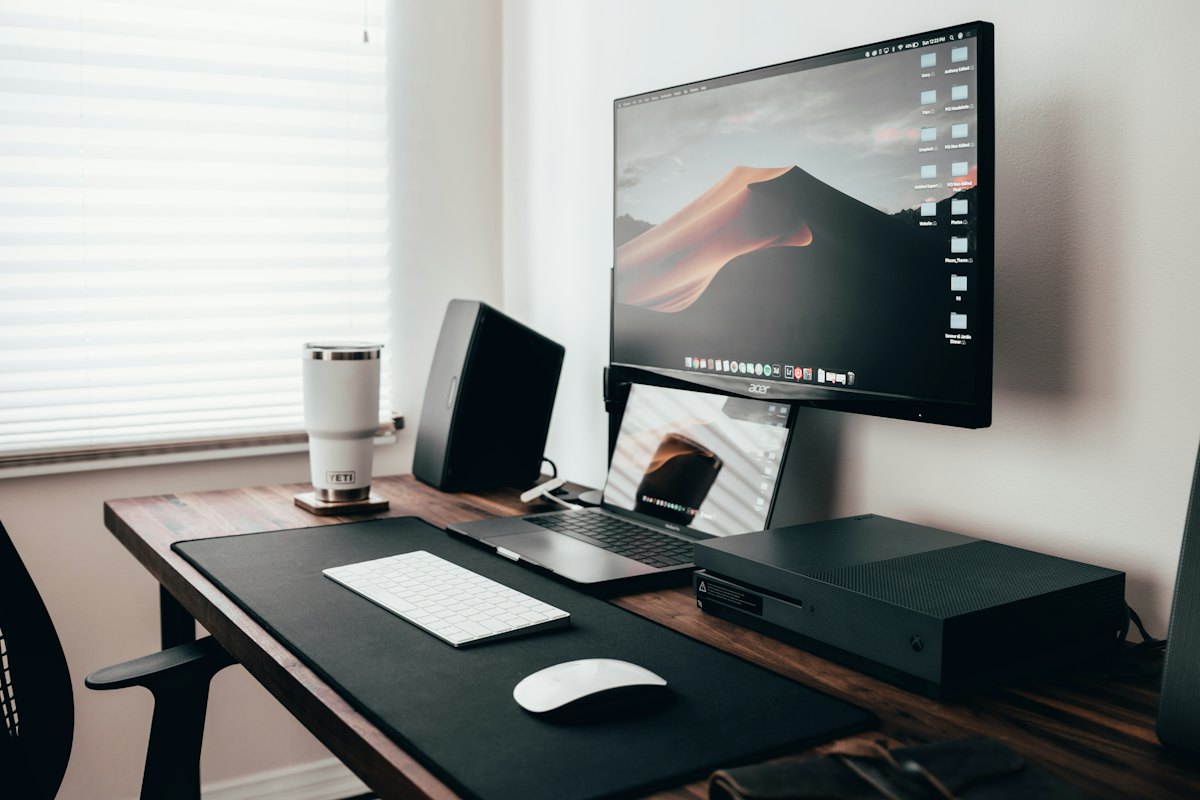
Who this is for
Software engineers, writers, designers, anyone whose job is a screen. Desk gear is easy to turn into a hobby: new keyboards, new lights, a third monitor. This guide is the opposite. Get a few things right once, keep them for years, and spend the attention on the work.
We are still gathering independent evidence on specific chairs, keyboards and lamps, and we will only name one when several sources agree it lasts. Until then, here is what to look for.
The chair comes first
You sit in it for around forty hours a week, so this is where spending more pays back. What matters: the seat height and depth adjust, the back supports the lower spine, and the armrests drop out of the way. Good office chairs come with long warranties and spare parts: arms, castors, gas lifts.
You don't have to buy new. Office clearance and refurbishing companies sell the well-known models for a fraction of the price, often with a warranty of their own. A good chair second-hand beats a cheap one new.
Set it up once: feet flat on the floor, knees roughly level with hips, and the backrest touching your lower back.
The screen at eye height
The top of the screen at or just below eye level, about an arm's length away. On a laptop that means raising it on a stand, or a stack of books, and using a separate keyboard and mouse. It costs very little and saves your neck.
Before buying a second monitor, try closing tabs. A bigger screen often means more open at once, not more done.
A keyboard and mouse that can be fixed
Look for a keyboard with standard switches and keycaps you can replace, so a sticky key is a two-minute fix. Hot-swappable boards let you change a switch without soldering. A wired keyboard and mouse need no batteries and never need pairing again.
Pick one you like and stop there. The best keyboard is the one you no longer think about.
Light and eyes
Put the desk so daylight falls from the side, not behind the screen or straight into it. For evenings, a desk lamp with a standard bulb you can replace outlasts one with built-in LEDs.
Every twenty minutes, look at something about twenty feet away for twenty seconds. It is the simplest habit for tired eyes, and a good moment to blink.
Sound, paper and water
Headphones that come apart, so a worn cable or ear pad is a spare part rather than a new pair. A notebook and pen beside the keyboard, for thinking away from the screen: sketch the problem before you type. A bottle of water, so getting up to refill it is your reason to stand.
 AIAIAI TMA-2 modular headphones
Modular headphones: speakers, headband, ear pads and cable are separate parts, so you replace a part, not the pair.
 Leuchtturm1917 A5 notebook, dotted
Numbered pages and an index make one notebook a lasting record of your thinking.
 Zebra F-701 stainless steel pen
A steel-bodied ballpoint with cheap refills: the pen people carry for decades instead of losing dozens of plastic ones.
 Klean Kanteen stainless steel water bottle
Ends the daily bottled-water purchase; stainless steel with no plastic lining.
Security without fuss
If your work runs through a dozen accounts, a hardware security key as the second step after your password stops most phishing. It has no battery, and it takes a second to use.

A laptop that lasts
Before buying, check whether the battery, storage and memory can be replaced, and how long the maker promises updates. Soldered parts mean the whole machine goes when one part does. A slightly older machine you can upgrade often outlives a newer one you can't open.
Knowing when to stop
When the office is a laptop, work leaks into every evening. End the day on purpose: write tomorrow's three things on paper, close the laptop, and put it out of sight. A watch on your wrist means you don't need to pick up the phone to check the time.

This or that: A good office chair or a cheap one?